Useful LEGO tools. Free.
A free LEGO scanner for parts, minifigures, and sets, and a scanner for sealed Collectible Minifigure boxes. No subscription. No card. Just an account.
Quick Scan
A LEGO scanner that identifies a part, minifigure, or set from your phone camera and shows what it sells for on BrickLink. Good at a yard sale, a thrift store, or when someone hands you a bag and asks what it is worth.
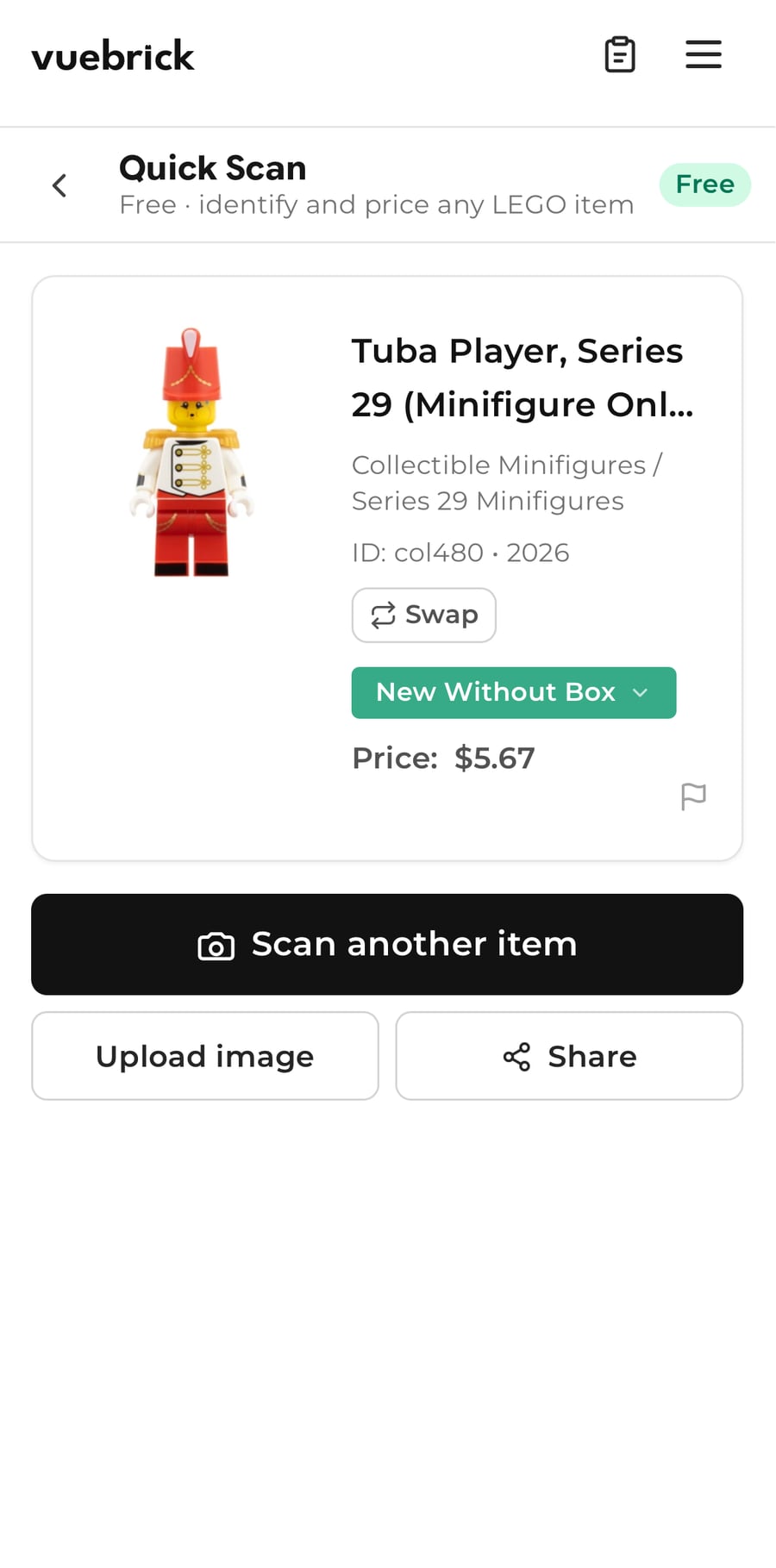
In your browser, or from your home screen. Quick Scan is the first thing on the page.
Center the item in the reticle and hold steady. Or upload a photo you already took.
Name, BrickLink ID, and year. If the match looks off, tap Swap and pick the right one.
BrickLink New and Used, adjusted for the condition you set. Sets show MSRP, piece count, and part-out value too.
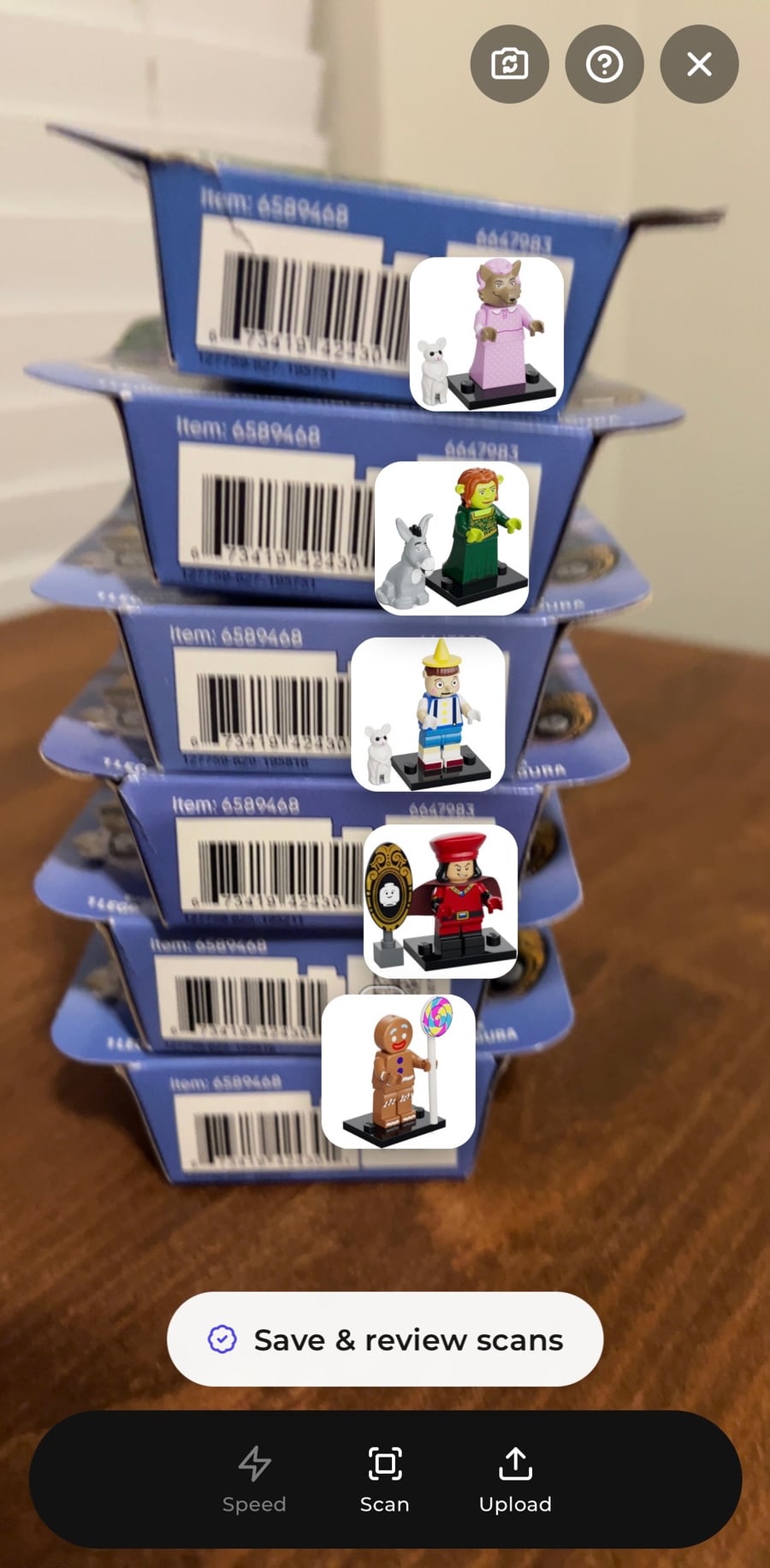
CMF Scanner
Sealed Collectible Minifigure boxes carry a small Data Matrix code. Point the camera at it and VueBrick tells you which figure is inside, so you can pull the ones you want without feeling every box.
What stays free, and where Pro picks up
Free is for knowing what something is and what it is worth. Pro is for working through a pile and getting it listed.
Questions about the free tools
Is there a free LEGO scanner?
Yes. Quick Scan is free with a VueBrick account. Point your camera at a LEGO part, minifigure, or set to identify it and see BrickLink pricing. It works in your phone's browser with no download.
Can VueBrick scan minifigures?
Yes. Quick Scan identifies minifigures along with parts and sets. If you have a whole bin to get through, Pro adds sessions that take minifigures, parts, and sets together, with running totals, Multi Scan, and exports.
Can VueBrick identify sealed CMF boxes?
Yes, for series that print a Data Matrix code on the box. The CMF Scanner reads that code and tells you which figure is inside. Live identification is free; saving a CMF session with totals is part of Pro.
Does Quick Scan save my scans?
Quick Scan is built for on-the-spot answers. Saving scans into sessions, with history, totals, and exports, is part of VueBrick Pro. Every new account gets 14 days of Pro to try that side.
Where does VueBrick get its prices?
From BrickLink market data, New and Used, in the market and currency you choose. You can price from the 6-month sold average or the current market.